Construction cycles
Organize walls into stages and review formwork use across the project sequence.
 FIMSO
FIMSOWall-formwork design, from construction cycles and available stock to practical layouts and quantities.
Preparing for commercial release. Pilot enquiries welcome.
AutoCAD 2022–2027
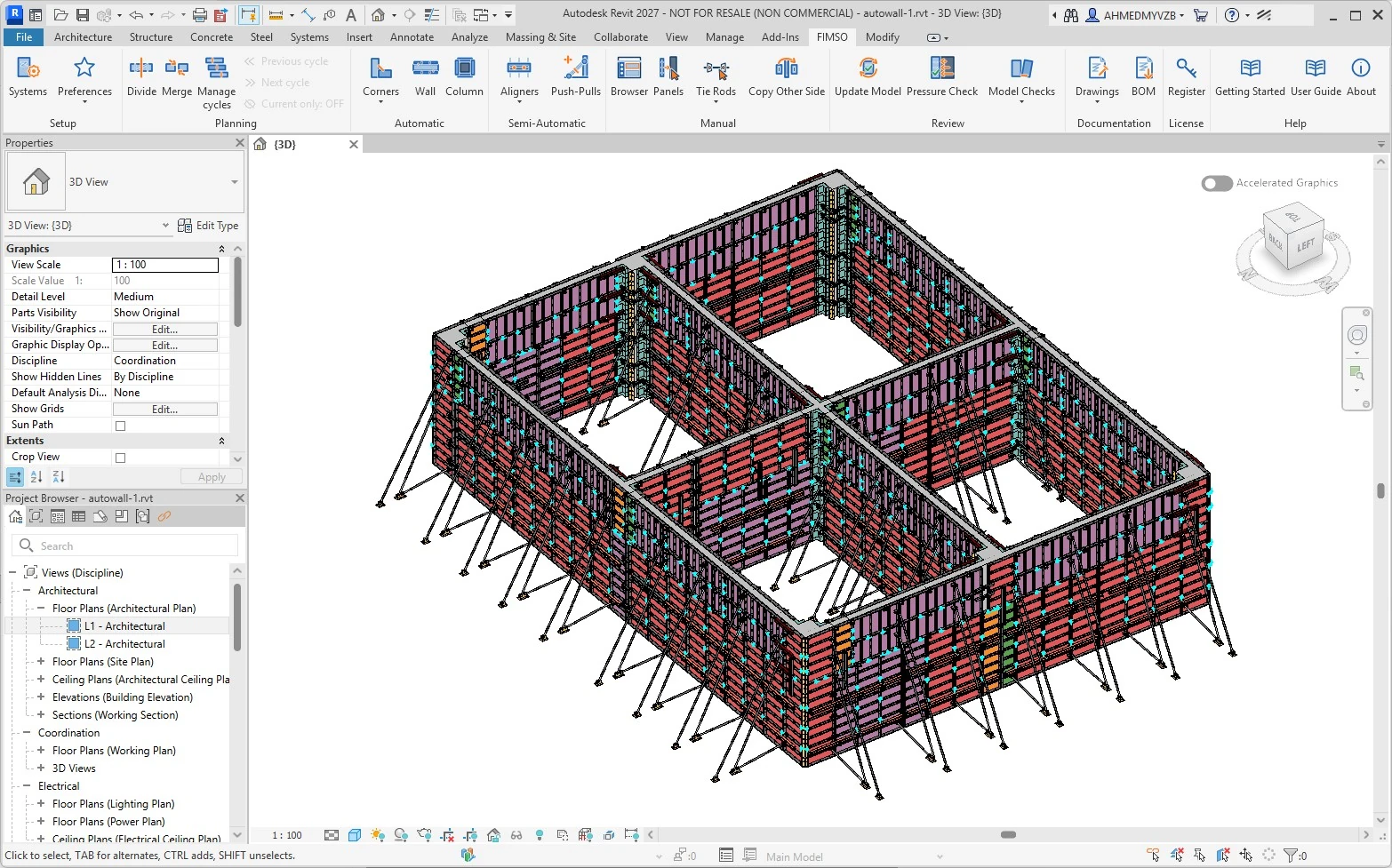
Revit 2024–2027
BricsCAD 2024–2026
FIMSO in six steps
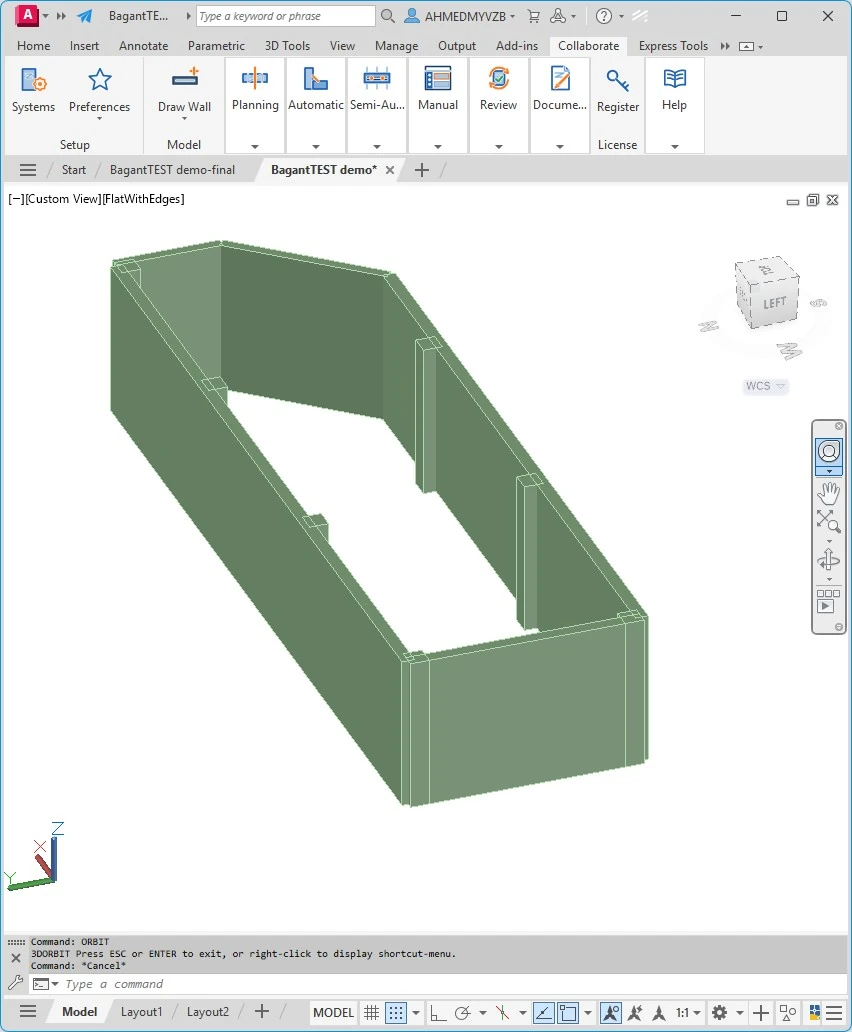
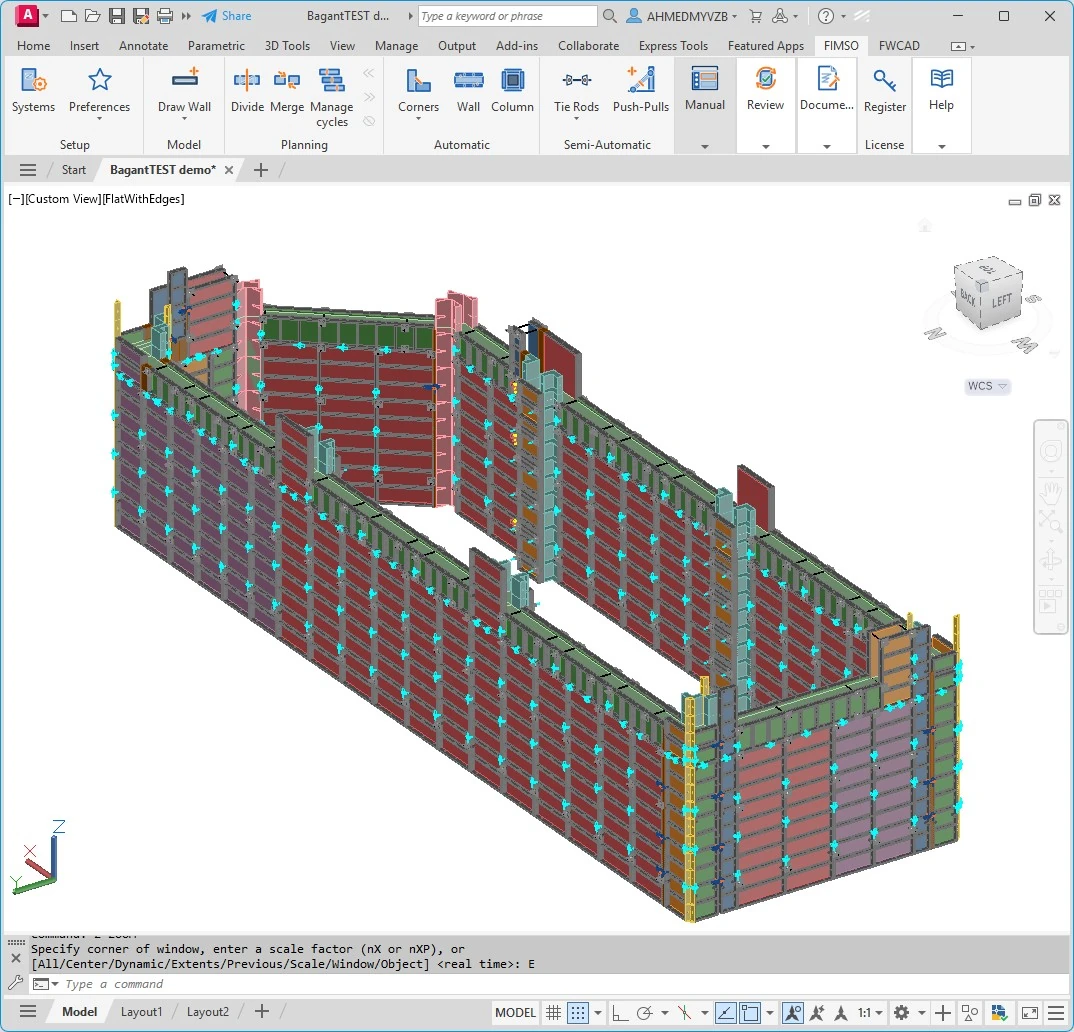
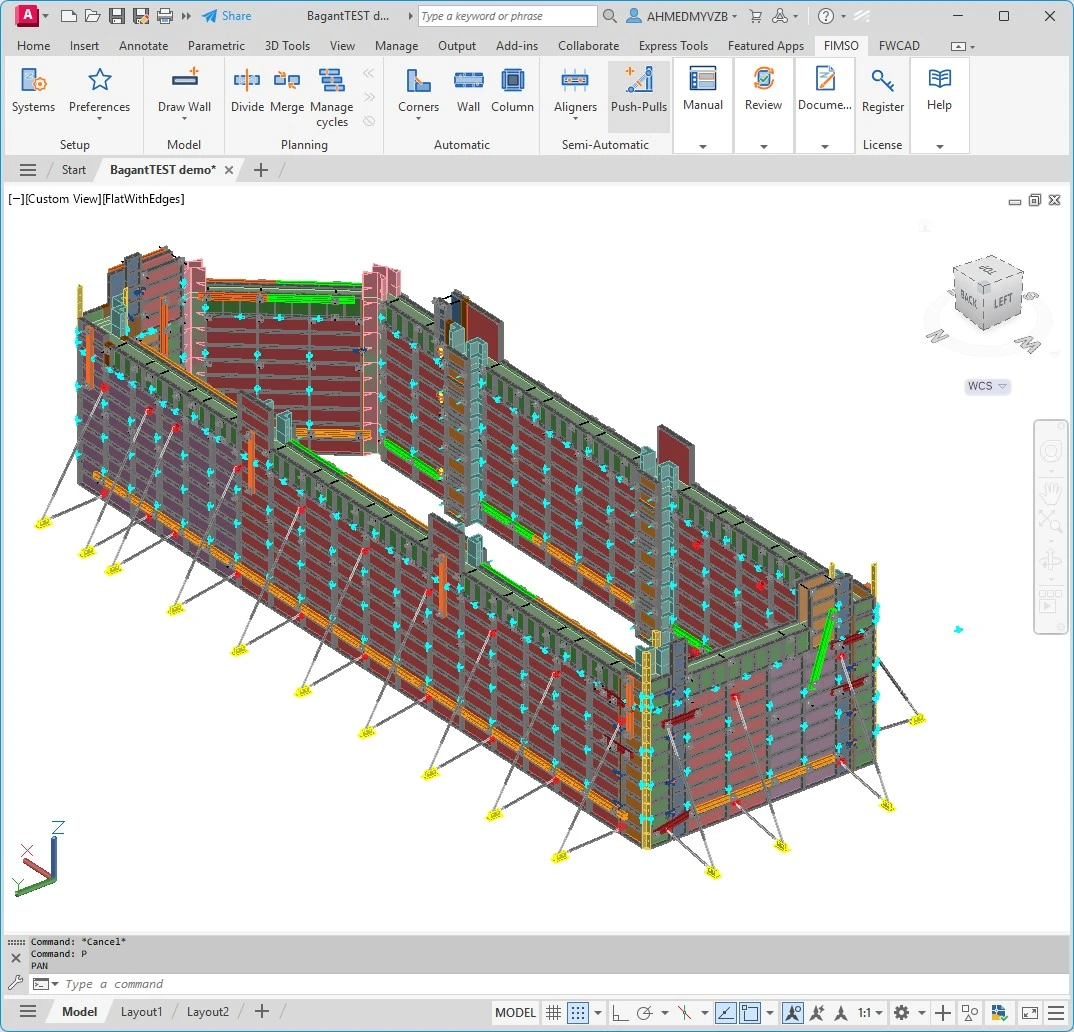
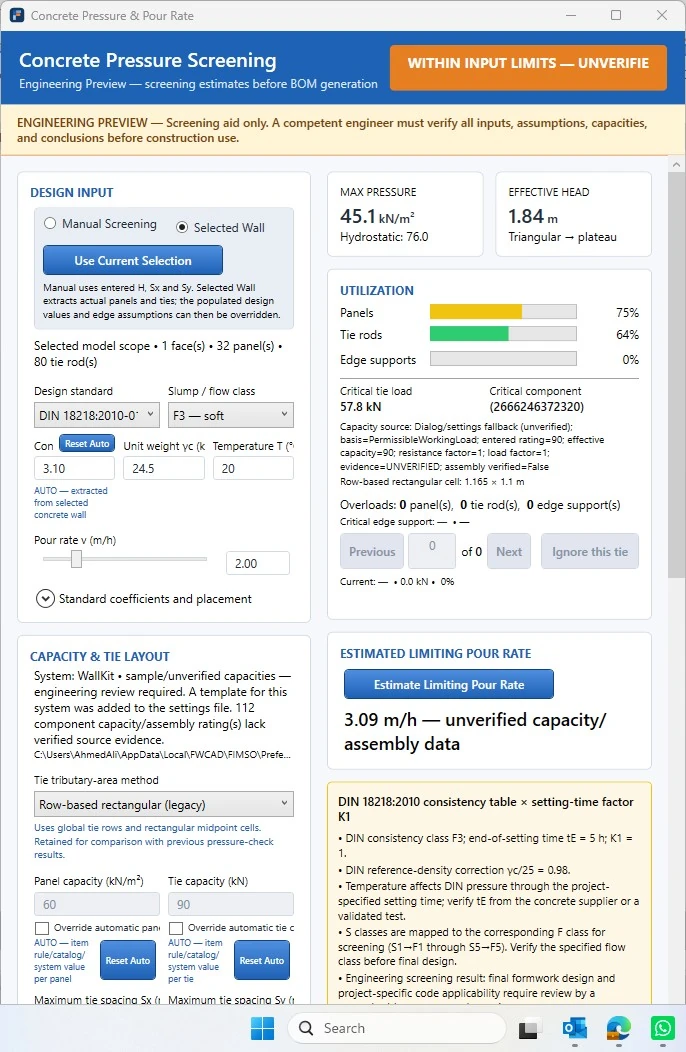
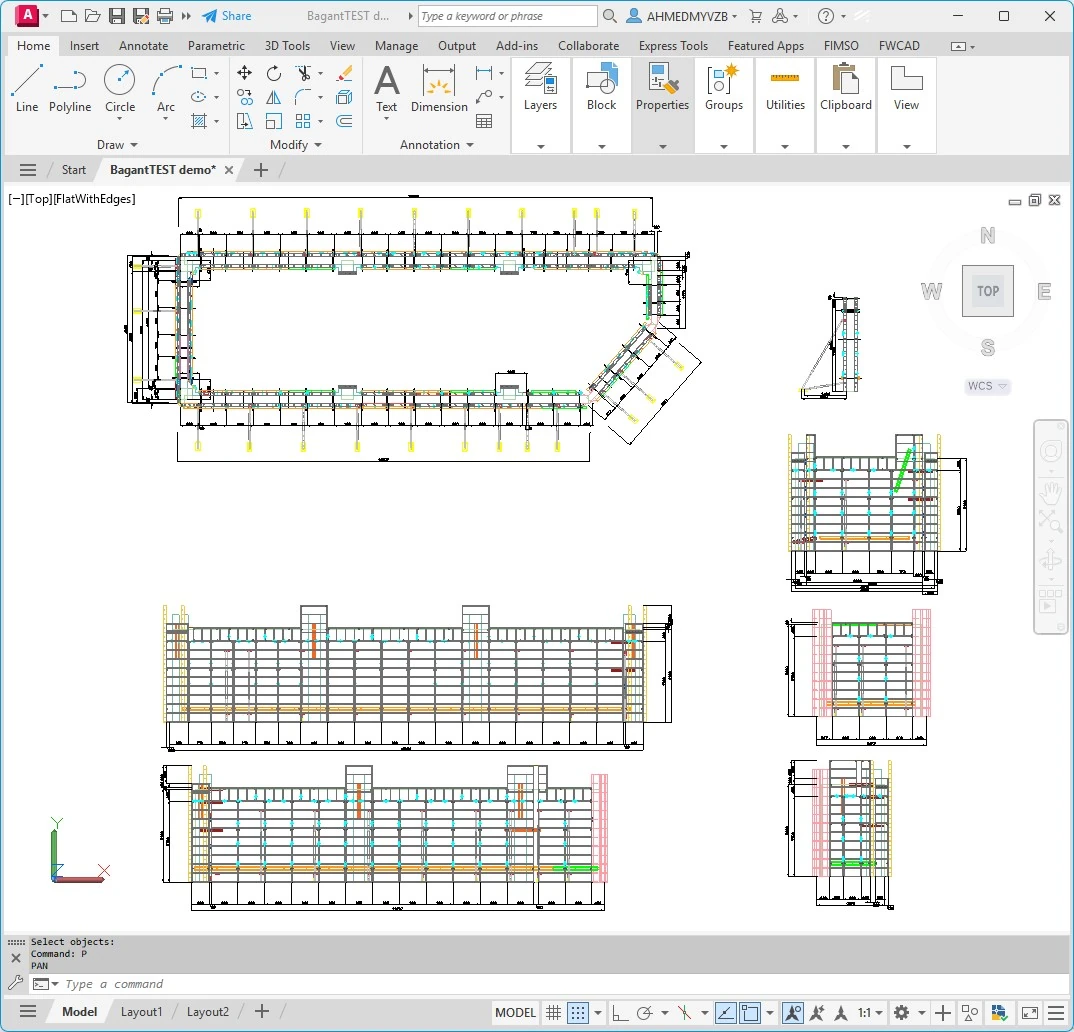
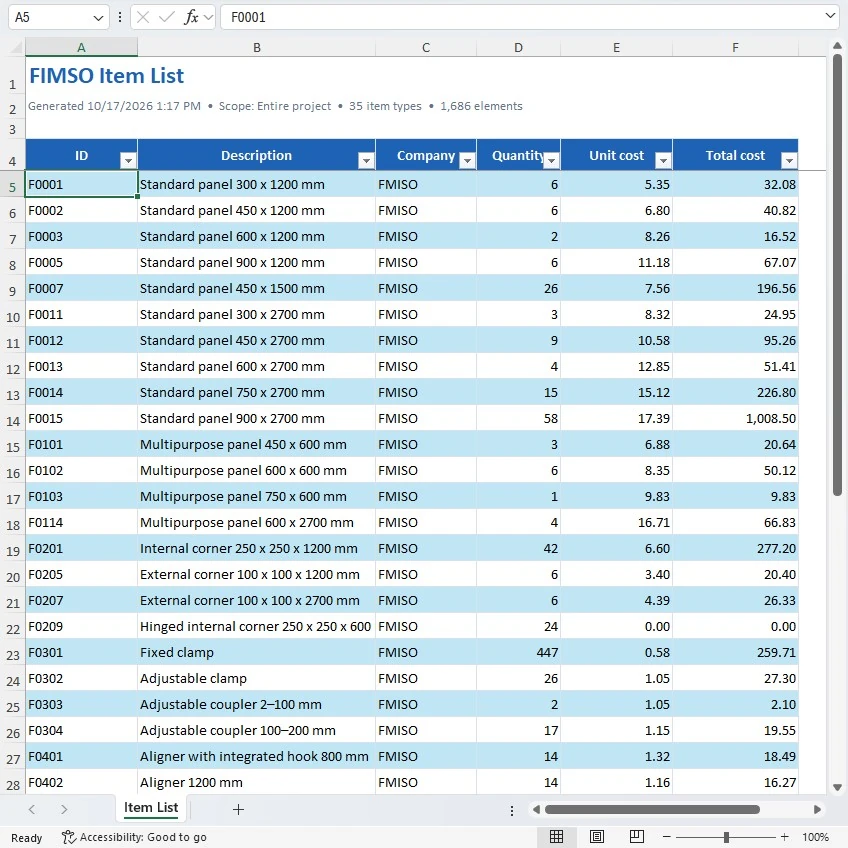
A visual walkthrough of an example AutoCAD workflow. Follow the sequence automatically, or pause to explore each step.
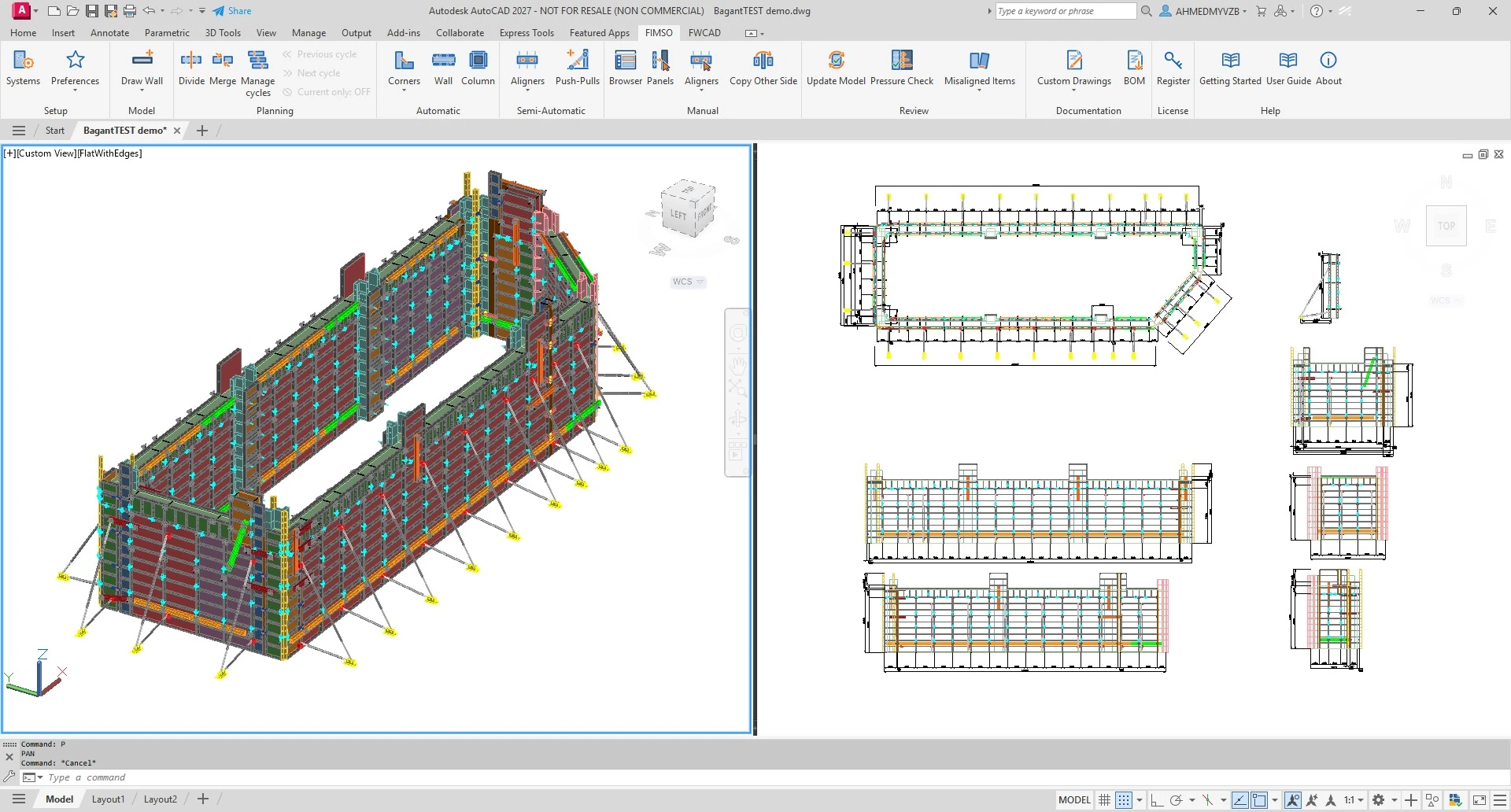
Your platform. Your workflow.
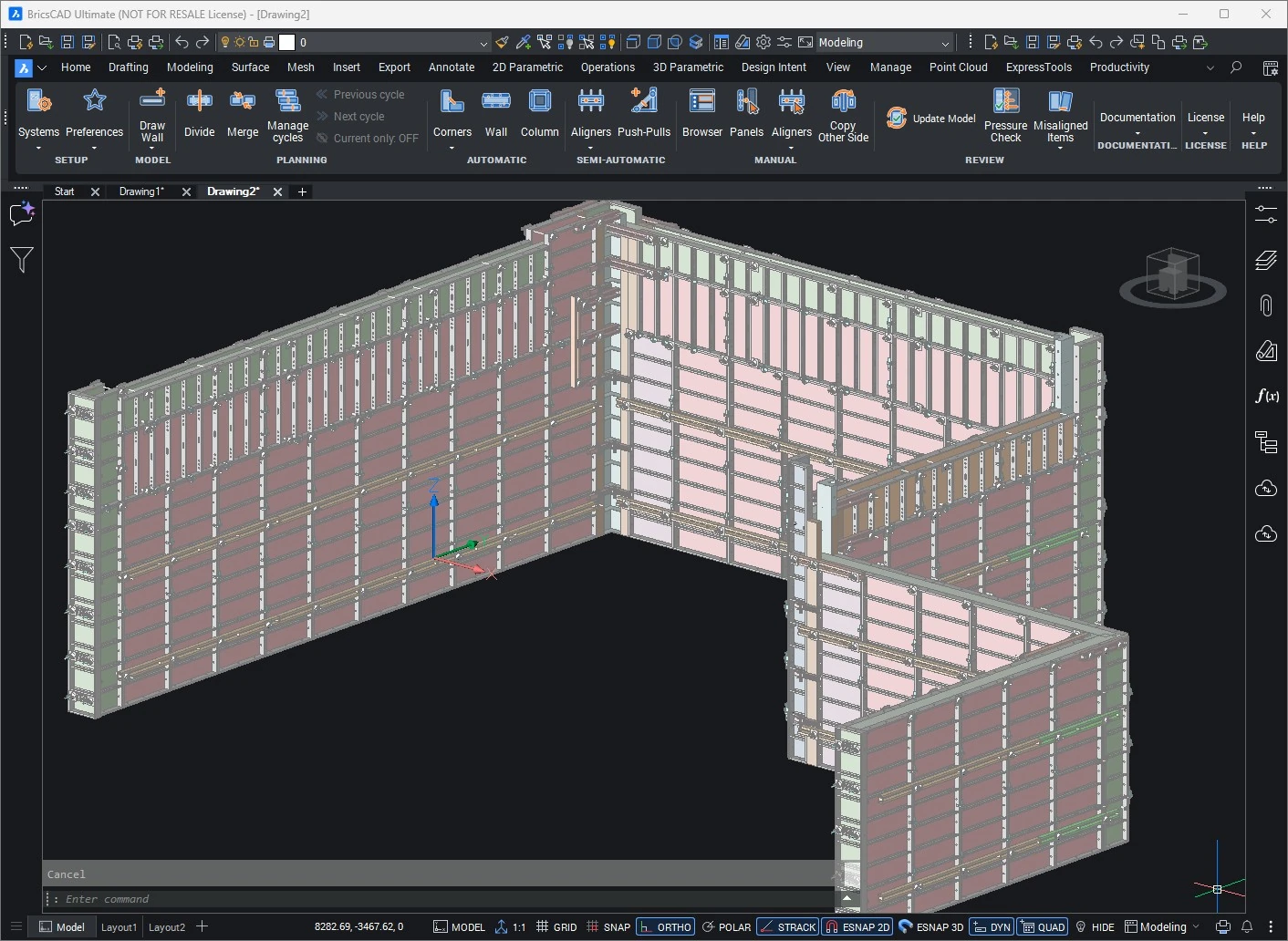
Actual product views from all three supported platforms. Select a platform to see its interface and supported versions.
Beyond the example
The walkthrough shows one design sequence. FIMSO also brings cycle planning, layout alternatives and stock considerations into the workflow.
Organize walls into stages and review formwork use across the project sequence.
Apply system preferences and compare panel arrangements before generating a layout.
Consider available items and distinguish total placements from peak reusable demand across cycles.
Designed for practical wall systems
Bring configured panels, accessories, stock and preferred items into the layout workflow.
Choose manual, semi-automatic or automatic tools according to the task and project conditions.
Inspect generated formwork, project quantities and the details needed for engineering review.
Preparing for commercial release
We’re finalizing FIMSO for commercial release. Contact us to discuss pilot access and arrange a guided demonstration for your workflow.
Tell us about:
Access, suitability, and pilot arrangements are discussed individually.
May we use Google Analytics to measure visits and time spent on the site? Analytics is optional. Learn more.